
What the SDN List Is
The SDN list is the public register of people and companies the U.S. Treasury has placed off limits: their assets inside U.S. reach are blocked, and dealing with them becomes illegal for U.S.-nexus businesses. SDN stands for Specially Designated Nationals. This page explains the list itself, not the politics behind any one name on it. The OFAC sanctions hub collects the related guides.
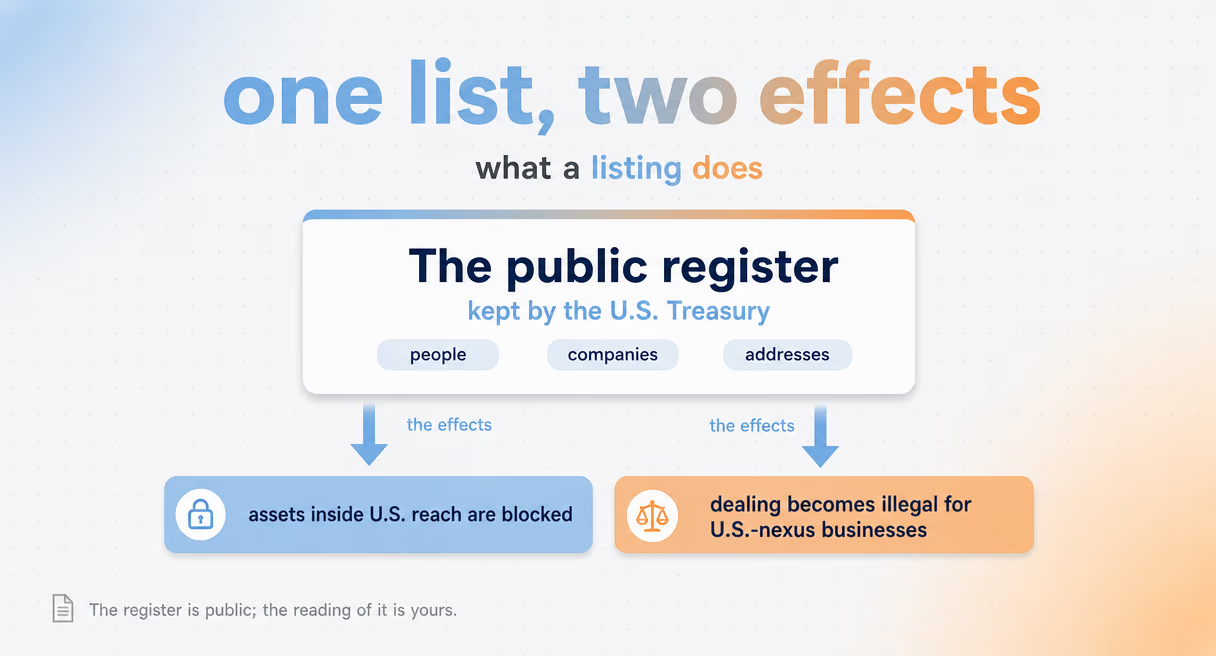
Strip the abbreviation first. "Specially designated" is a legal category, not a judgment about nationality: the list holds individuals, companies, vessels, and aircraft from many countries, a few U.S. persons included, plus entities acting for them. "Nationals" reads oddly the first time, because a listed entity can be a shipping firm or a bank, not a person at all, but the name has stuck.
What listing does is the part that matters to a crypto team. Assets blocked means frozen, not confiscated: the property sits untouchable until the listing lifts. Dealing prohibited means the ban covers transfers, services, and support, indirect routes included. And because list entries reach through ownership under the 50 percent rule, a clean-named company can be blocked by who owns it, an edge case with its own guide in this family.
One boundary note before going further. This page is about the list as an object: what it is, where it comes from, how it moves, how to search it. It does not publish, reproduce, or track individual entries. A working screen against the live list beats any static copy, and stale copies are how clean parties get frozen and listed ones get waved through.
Where the List Comes From and How It Updates
Names reach the SDN list through designations: legal acts issued under specific sanctions programs, published as they happen. There is no fixed update schedule, so the list you checked last week is already suspect. Recent actions land on OFAC's public log, and re-screening after each wave is the working answer.
Designations come from programs. Each program targets a country, a sector, or an activity, and OFAC publishes the programs and their country scope on its official page. When the government moves under a program, it designates: a legal document names the party, the authority, and the effective date, and the list gains an entry.
Updates run on events, not calendars. A single week can carry new designations, removals when a party is delisted, corrected entries, and fresh guidance, and weeks can also pass quietly. The recent actions log that OFAC maintains is the public record of every wave, and it shows the honest rhythm: frequent, irregular, and never announced in advance.
What each wave can contain, and the move it asks of a screening program:
| Wave type | What it does | Your move |
|---|---|---|
| Designation | Adds a party; assets blocked from the effective date | Re-screen the book, block new hits |
| Removal | Takes a party off; dealings can resume | Clear holds, note the date |
| Correction | Fixes an entry already published | Re-check any past match on that entry |
| Guidance | Publishes interpretation or licenses | Read it; adjust procedures if it changes yours |
Two working habits follow. First, date your checks: a result without a list version and a date proves nothing later. Second, re-screen on update, not on a schedule you invented, because the gap between a designation and your next quarterly pass is exactly where violations live. The OFAC check guide in this family covers the lookup itself, and the enforcement guide shows what the gap costs when it goes wrong.
Removals deserve a sentence of respect. Parties do come off the list, through delisting procedures or when the underlying program shifts, and a frozen-today party can be clear next month. That is one more reason static copies fail: they age in both directions.
How the register is built and searched fills this page; the OFAC sanctions hub holds the rest of the family.
How to Search the SDN List
The official way to search is the Sanctions List Search tool OFAC hosts: type a name, set a match strictness, read the results with program codes. It is free, current, and built for humans. It is also single-shot, which is why working teams automate the same comparison across every customer and address.
The tool lives at sanctionssearch.ofac.treas.gov. A search returns possible matches from the SDN list and the other lists OFAC runs, with each hit carrying program codes, countries, and identifiers. The match slider sets how loose the net is: tight misses transliterations, loose drowns you in lookalikes, and the honest setting is somewhere you must defend later.
Reading a result is a skill. A hit is a lead, not a verdict: same name, different person is the normal case, and the identifiers on the entry are what settle it. Address searching works too, since entries can carry digital currency addresses, which is the bridge between a name on a list and an address on a chain.
The limits are the lesson. One search checks one party, once, against the list as it stands right now. No history, no watching, no coverage of what ownership hides. Manual search is the right way to understand the machine and to settle a single question. It is not a screening program, a point the sanctions screening guide in this family spends a full page on.
For teams that outgrow single lookups, the move is automation: the same list, checked against every customer and address, re-run whenever the list moves, with results stored. The agency behind all of this has its own explainer in the What Is OFAC? guide, which covers the office and its powers without touching this page's list mechanics.
Why One Clean Search Is Not Enough
A clean search says the party was not listed at the moment of checking. It says nothing about tomorrow's designations, nothing about ownership behind the name, and nothing about the address side of the exposure. Clean search plus re-screening plus ownership checks is the smallest honest unit of coverage.
The first gap is time. Designations land without notice, so every clean answer carries an expiry date the moment it is issued. The second gap is ownership. Blocked parties can hold stakes in companies that appear nowhere on any list, and under the 50 percent rule those companies are treated as blocked too, invisible to any name search that returned clean.
The third gap is the chain side. A counterparty can be unlisted as a name while its withdrawal address sits in a listed cluster, or the reverse. Names and addresses are two halves of one check in crypto, and a search that only covers half the identifiers covers half the risk.
Put together, the smallest honest coverage is: search now, record the result with its date and list version, re-run when the list moves, and look one layer into ownership. Anything less is a snapshot sold as a movie. Phalcon Compliance automates the chain half of that coverage, with sanctioned entities among the risk categories it flags. Monitor keeps the re-screening half alive: addresses you place under Monitor are re-checked automatically, and an alert fires when their risk status changes. The Phalcon Compliance page has the plans. The full family map, from the office itself to enforcement patterns, starts at the OFAC sanctions hub.